
Samsung Smart TVs (Tizen) and LG Smart TVs (webOS) don’t allow installing apps outside their own store, but they do have an IPTV player available that’s compatible with 8Kontv. Here’s how to install it directly on your TV.
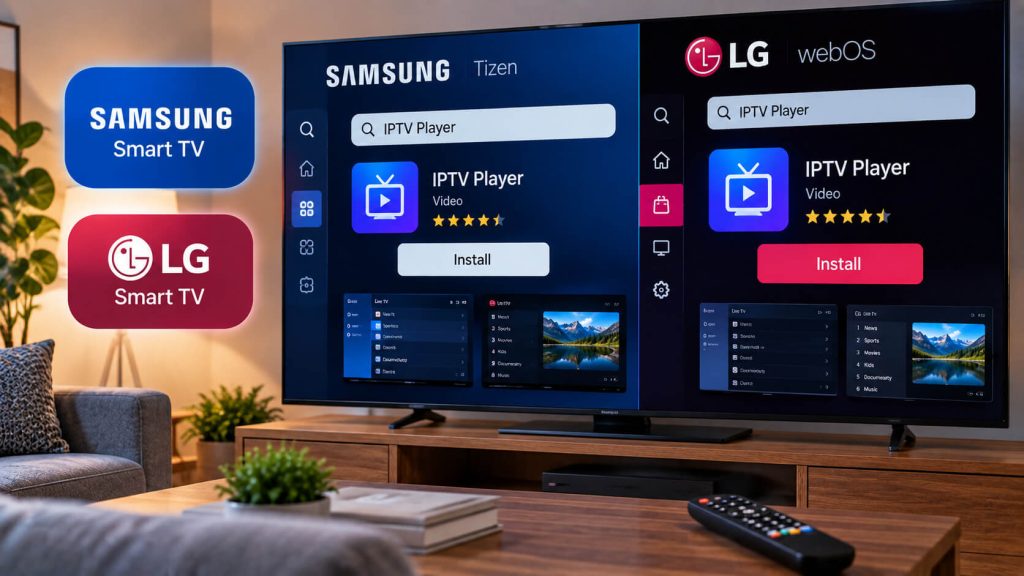
On Samsung, open Smart Hub and go to the app store. On LG, open the LG Content Store. Search for "Smarters Player Lite"; it's a free app officially available on both stores.
Select "Install" and wait for the download to finish (usually under a minute). Once it's done, open it from your list of installed apps.
Choose "Login with Xtream Codes API" and enter the username, password, and server URL we gave you when you signed up. Save, and wait for your channel list to load.
Tip: use your remote to move between fields; on on-screen keyboards, double-check there’s no extra space before or after each entry.
Some older Samsung or LG models don’t include Smarters Player Lite in their store. In that case, the most practical fix is to plug a Fire TV Stick or an Android TV Box into one of your TV’s HDMI ports: you’ll get 8Kontv at the same quality, without depending on your TV’s built-in system.
Check out our plans and pick the one that fits you best.
Our team helps you on WhatsApp within minutes, every day.