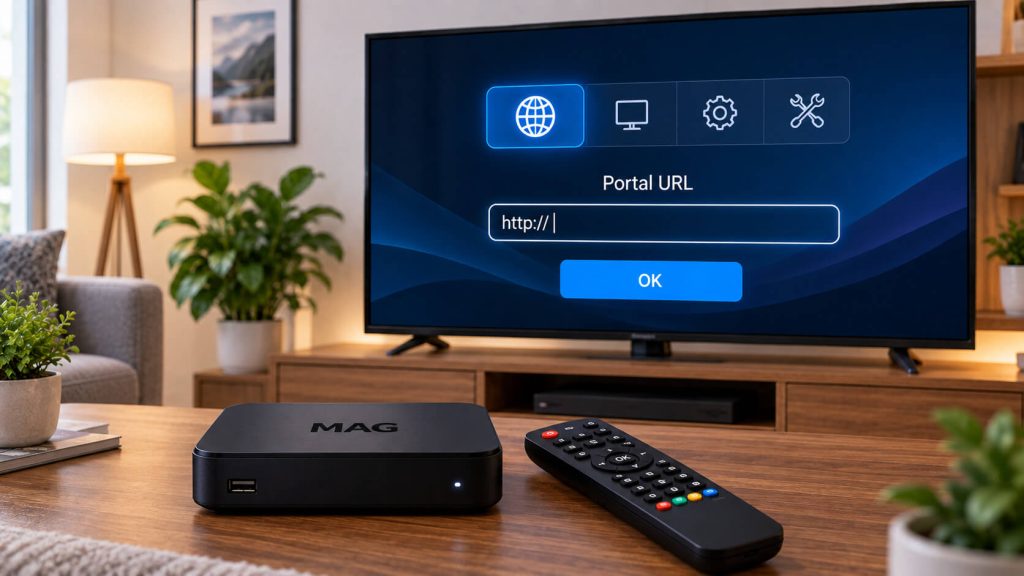
How to Set Up 8Kontv on Your MAG Box – Activation Guide

MAG Boxes (Infomir) work differently from a Fire TV or Android device: instead of installing an app, you set them up by pointing the device to our portal and registering its MAC address. Here’s the full process.
Prefer live WhatsApp support instead?
1

Find your MAG Box's MAC address

Go to System Settings → About This Device. There you'll see the MAC address, a code that looks something like 00:1A:79:XX:XX:XX. Write it down or take a photo of it.

2

Send us your MAC address to activate it

Message us on WhatsApp with your device's MAC address. Our team will register it in the system and confirm once it's ready, usually within a few minutes.

3

Configure the portal on your MAG Box

In the same settings menu, go to "Server Settings" (Portal Settings) and type the portal URL we gave you when you signed up.

Tip: type the URL exactly as we sent it, including “http://” at the start. A typo is the most common reason the portal won’t load.
4

Restart the device and enjoy

Save your changes and restart your MAG Box. When it powers back on, the 8Kontv portal should load automatically with your channel list.

Got your MAG Box set up already?

Check out our plans and pick the one that fits you best.

Still have questions about the setup?

Our team helps you on WhatsApp within minutes, every day.

Other devices you can also use

Information
Support