
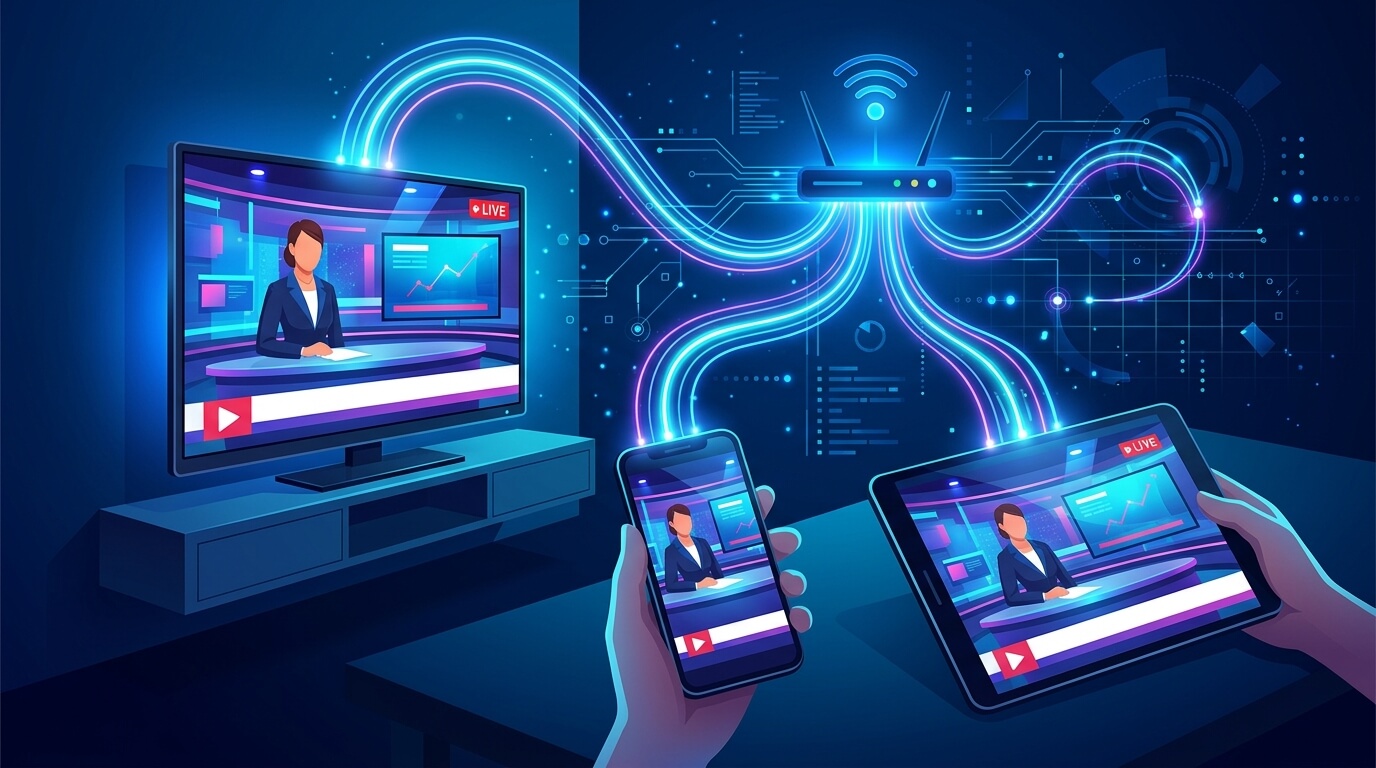
What is IPTV? If you keep seeing the term everywhere, you’re probably wondering — IPTV (Internet Protocol Television) lets you watch live TV, sports, movies and series streamed over your internet connection instead of a cable line or satellite dish. No antenna, no cable box, no technician visit — just an app on a device you already own. Over the last few years IPTV has gone from a niche technology to the way millions of people watch television every day, and in 2026 it’s more accessible than ever. In this guide we’ll break down exactly what IPTV is, how it works behind the scenes, what you need to start, and whether it’s really worth switching from cable.
Table of Contents
What Is IPTV, Exactly?
IPTV delivers television through your internet connection as data, the same way Netflix, YouTube or any streaming platform does. Instead of receiving a fixed broadcast signal through an antenna or a coaxial cable, your device requests each channel or title and streams it instantly over the web. That’s the core difference: traditional TV pushes the same signal to everyone at the same time, while an IPTV service sends exactly what you choose, when you choose it.
The name gives it away — “Internet Protocol Television” simply means TV delivered using the same internet protocol that powers everything else you do online. This isn’t a shady workaround either; it’s an established broadcasting standard. Major telecom companies around the world already use IPTV technology to deliver their TV packages, as explained in the Wikipedia entry on Internet Protocol Television. The difference with a modern IPTV provider is flexibility: thousands of channels, a huge on-demand library, and no rigid contracts.
How Does IPTV Work?
You don’t need to be technical to understand it. In plain terms, here’s what happens every time you press play:
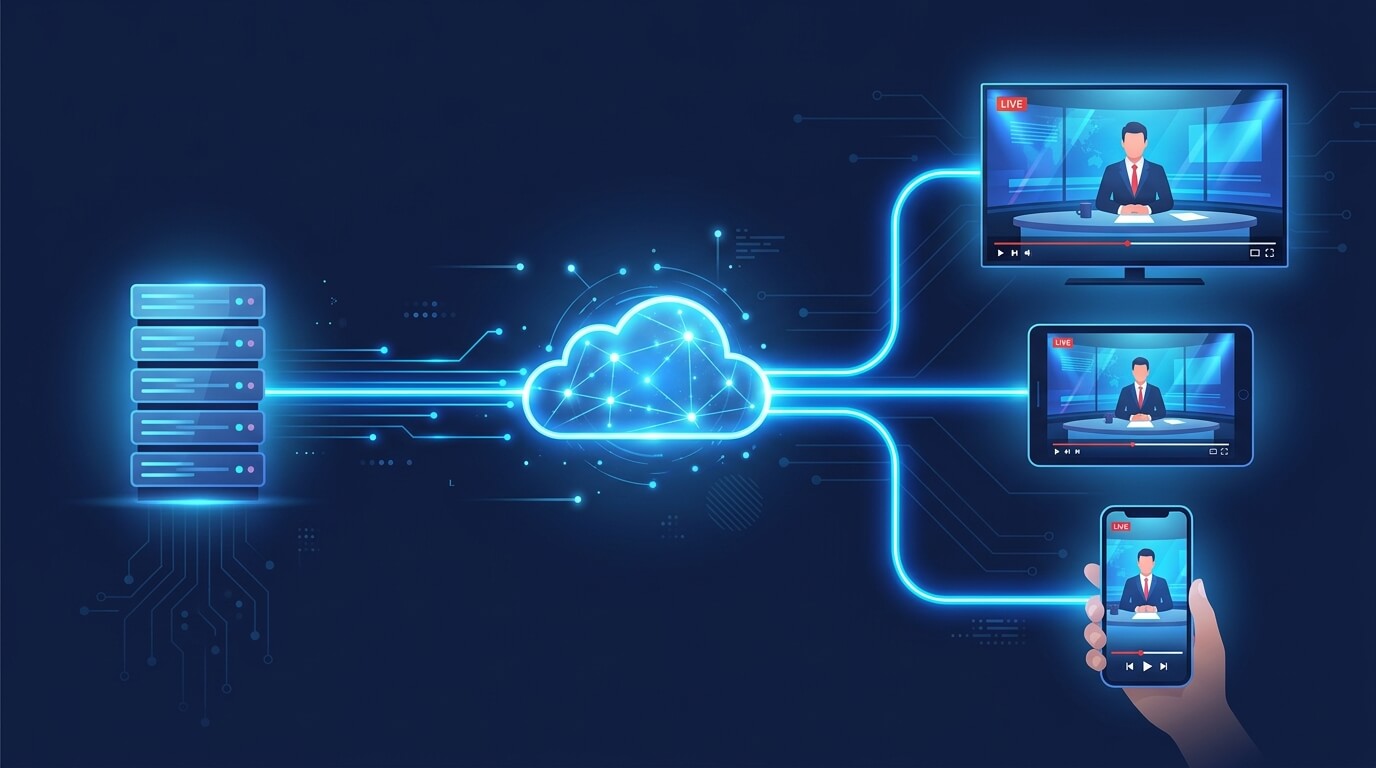
- A provider stores live channels and on-demand content on high-speed servers.
- You install an IPTV app on your device and log in with the credentials your provider sends you.
- When you pick a channel, the app requests that stream and it plays in real time over your internet connection.
- Everything runs on WiFi or ethernet — no dish, no cable outlet, no contracts, no hardware from a TV company.
Provider servers
Live channels & movies stored on high-speed servers
Your internet
The stream travels over WiFi or ethernet in real time
Your devices
Watch on TV, phone, tablet or PC — all at once
Because it’s fully internet-based, one subscription works across your TV, phone, tablet and computer at the same time. Start a match on your Smart TV in the living room, then keep watching it on your phone in the kitchen — the stream follows you. This is also why IPTV scales so well: adding a new channel or a new movie is just a matter of the provider updating their servers, not you buying new equipment.
The quality you get depends on two things: your internet speed and the provider’s server strength. A weak provider on cheap servers will buffer and freeze no matter how fast your connection is, while a solid one delivers stable 4K even during peak hours. That’s why the provider you choose matters far more than the app you use.
IPTV vs. Cable TV: What’s the Difference?
Cable and satellite lock you into fixed channel packages, long contracts, equipment rentals and surprise fees. You pay for 200 channels to watch 15, and every add-on costs extra. IPTV flips that model: you get more channels, a full on-demand library and multi-device access for a fraction of the price — with no contract tying you down.
There’s also the sports angle. Cable often hits you with regional blackouts and forces expensive sports add-ons. A good IPTV service gives you leagues from around the world — the Premier League, La Liga, the NBA, NFL, UFC and Formula 1 — without juggling five different subscriptions. You’re paying for content, not for a box, a rental fee and a technician appointment.
| IPTV | Cable TV | |
|---|---|---|
| Channels | 22,000+ | Fixed packages |
| Contract | None | 12–24 months |
| Devices | Multiple | 1 TV per box |
| On-demand | 150,000+ | Limited / paid |
| Equipment fees | $0 | Box & rental |
| Setup time | Minutes | Technician visit |
Curious what that costs?
See our IPTV plans and pick the one that fits you best.
What Do You Need to Watch IPTV?
One of the best things about IPTV is how little you need to get started. Really, it comes down to three things: a stable internet connection (15 Mbps for HD, 25 Mbps for 4K), a compatible device (Smart TV, Firestick, Roku, Android, Apple, phone or PC), and a subscription from a reliable IPTV provider — the part that makes or breaks your experience.
Internet
15 Mbps for HD, 25 Mbps for smooth 4K streaming.
A device
Smart TV, Firestick, Roku, Android, Apple, phone or PC.
A subscription
A reliable provider — the part that makes or breaks it.
Once you have those, setup usually takes just a few minutes: install the app, enter your login, and you’re streaming. If you want to see exactly which apps work on your device, our download page lists every supported player with setup instructions.
Is IPTV Worth It in 2026?
If you want more channels, live sports without blackouts, and a massive movie and series library at a lower monthly cost than cable, IPTV is absolutely worth it. The savings alone push most people to switch — but the flexibility of watching anywhere, on any device, is what makes them stay.
The one thing that separates a great experience from a frustrating one is the provider. A cheap, random list bought off a forum will go down every week, buffer during the big game, and disappear when you need support. A serious provider gives you real uptime, true 4K quality, a properly organized channel guide, and actual human support when something goes wrong. That’s the difference between “IPTV is amazing” and “IPTV never works” — it was never the technology, it was the provider. When you’re ready to compare options, our IPTV plans are built around exactly those priorities: stability, quality and support.
Frequently Asked Questions
Is IPTV legal?
IPTV technology itself is completely legal. It’s simply television delivered over the internet, the same standard used by major telecom companies worldwide.
Do I need a special device for IPTV?
No. IPTV runs on Smart TVs, Firestick, Roku, Android, Apple devices, phones and computers — whatever you already own.
What internet speed do I need for IPTV?
At least 15 Mbps for HD and 25 Mbps for smooth 4K streaming.
Can I watch IPTV on more than one device?
Yes. With the right plan you can stream on several devices at the same time.
How fast can I start watching?
Activation usually takes 15 to 30 minutes, then you stream instantly.
Ready to try IPTV the right way?
22,000+ channels, live sports and 150,000+ movies in 4K. Instant activation.