
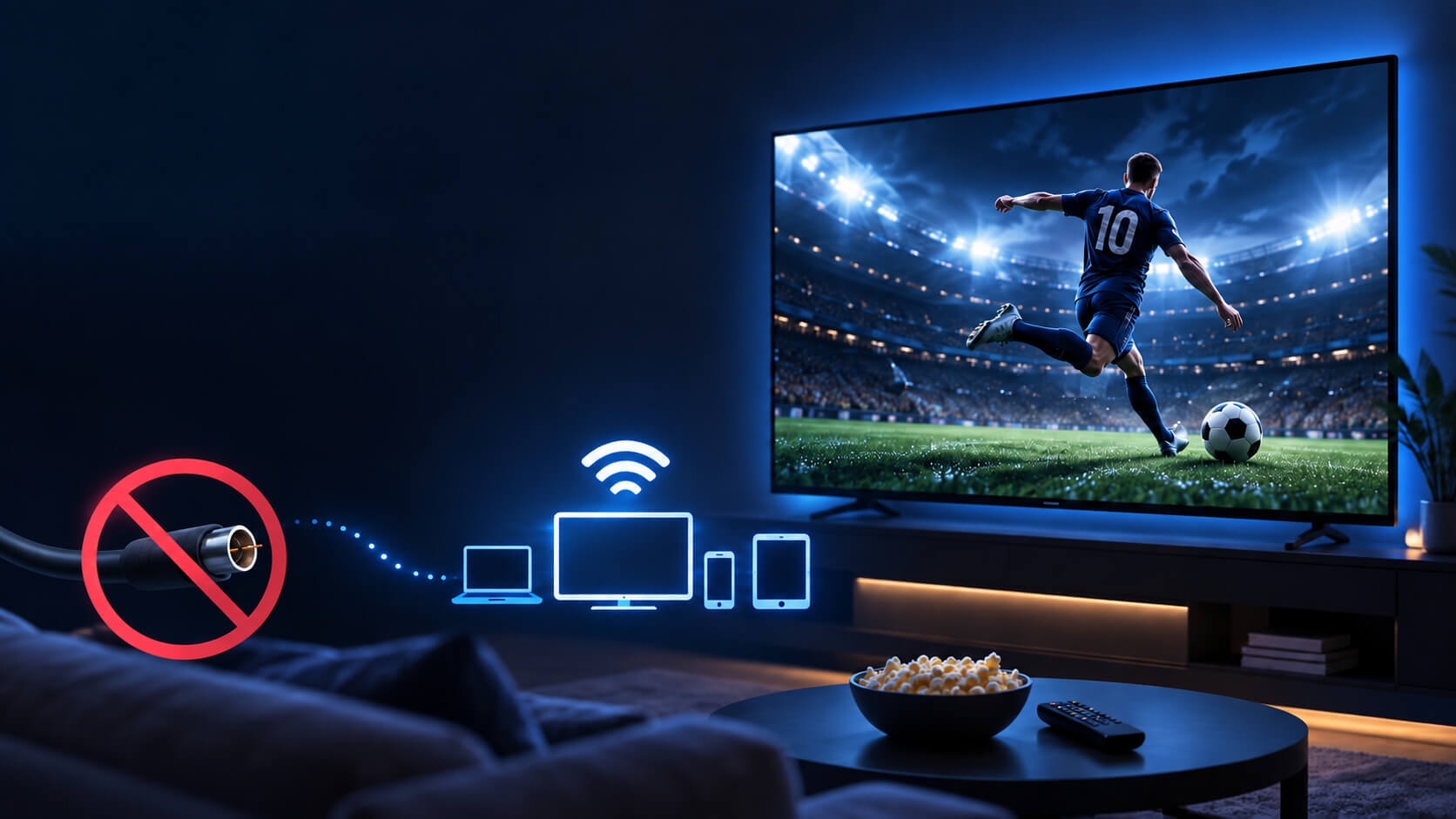
Watch Live Sports IPTV and enjoy football, soccer, basketball, UFC, PPV events and more without depending on a traditional cable package. IPTV gives sports fans a flexible way to follow live events on TVs, phones, tablets and PCs while keeping their favorite sports accessible across multiple devices.
Table of Contents
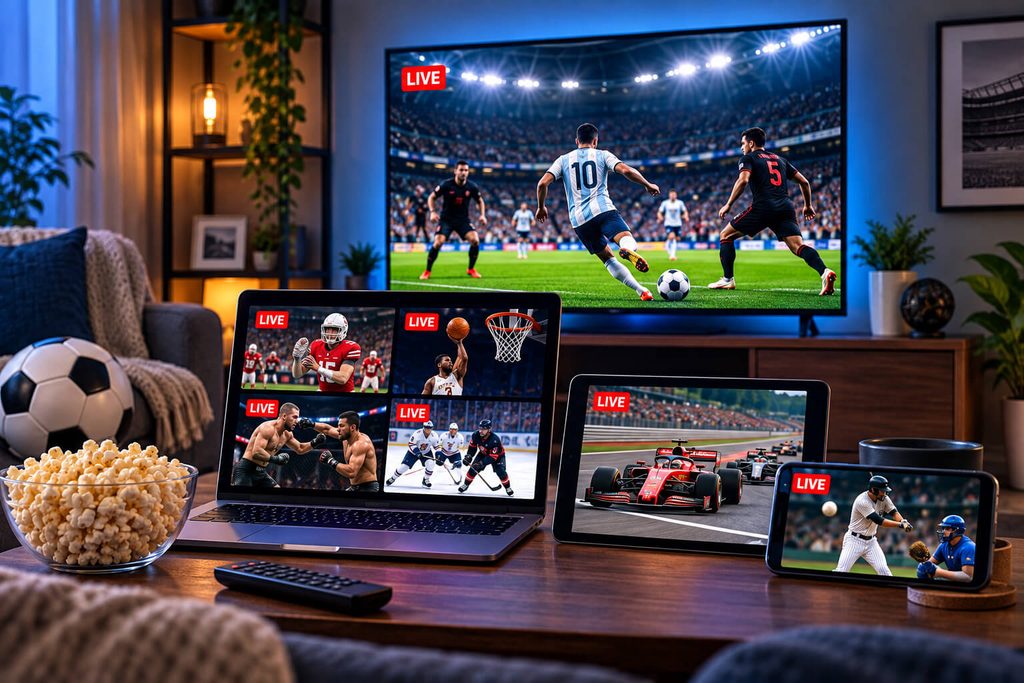
Cable’s whole pitch has always been “you need us for the game.” For a long time that was true. It mostly isn’t anymore, and sports fans have quietly become one of the biggest groups switching to IPTV — not despite the sports, but because of them.
1. What’s Included When You Watch Live Sports IPTV?
A good IPTV package bundles live sports channels in with everything else — no separate sports tier, no “must add this package to watch the game” upsell partway through checkout. With 8Kontv that means football, basketball, baseball, hockey, and international soccer — Champions League, Liga MX, Premier League, and more — sit in the same channel list as your regular entertainment channels.
The best IPTV sports channels can give viewers access to major leagues, international competitions and live events without adding several separate sports packages.
If you split your time between American sports and fútbol, this is honestly one of the more underrated reasons people switch: most cable packages force you to choose a regional sports bundle, while an IPTV channel list just has both.
4K
available for major live events, connection permitting
0
separate sports tier to add on top of your plan
Any screen
phone, tablet, TV, or PC — not just the living room
2. PPV events: boxing, UFC, big fights
Pay-per-view is where cable really adds up — $60 to $90 for a single fight night isn’t unusual. IPTV packages typically fold major PPV events into the existing subscription instead of billing them separately, so a big fight weekend doesn’t come with a surprise charge on top of your monthly plan.
For fans who want to watch live sports IPTV, having major PPV events available in the same place makes game day much simpler.
Worth knowing
Coverage of specific PPV events can vary by provider and by the rights available in a given month. If there’s a specific fight or event you’re planning around, it’s worth a quick WhatsApp message to confirm it’s on the schedule.
3. Getting the smoothest picture on game day
Live sports are the single biggest stress test any streaming connection goes through — way more concurrent viewers hit the same channel at once than during a regular show, which is exactly the scenario where buffering shows up if your setup isn’t ready for it.
- Connect over Ethernet instead of WiFi if you can, especially for a big game
- Bump up your player’s buffer size a notch before kickoff, not during it
- Close anything else on your network that’s streaming or downloading
We wrote a full breakdown of this in our IPTV buffering guide — worth a five-minute read before your next big match if you’ve had issues in the past.
4. A few honest caveats
We’d rather say this upfront than have you find out mid-game. Streaming quality during marquee events depends on your own internet holding up under real demand, and during genuinely massive global events, source servers can occasionally get congested right along with everyone else’s. It’s not common, but it happens, and it’s the trade-off for not being tied to one cable company’s dedicated infrastructure.
5. Getting set up before kickoff
Don’t test your setup for the first time five minutes before a game starts. Get your account running a day or two ahead, load the channel you plan to watch, and let it sit for a few minutes to confirm playback is smooth. If something needs adjusting — buffer size, DNS, a WiFi-to-Ethernet swap — you’ll actually have time to fix it.
Before you watch live sports IPTV, test your device and connection ahead of time so you’re not troubleshooting during the game.
Want to check which sports channels are on your plan before a big game? Ask us on WhatsApp
Ready to watch sports without cable? Explore our IPTV plans and pricing to find the option that best fits your viewing needs, or visit our IPTV setup guides to prepare your TV, Fire TV, Android, Apple TV or other device before the next game.
Can I watch sports on my phone during a game, not just the TV?
Yes — that’s one of the actual advantages over cable. The same account works across your phone, tablet, and TV, so you’re not stuck in one room to catch the game.
Do I need a separate sports package?
No. Sports channels are included as part of the regular channel list, the same as any other category — there’s no extra sports tier to purchase.
What internet speed do I need for live sports in HD?
A stable 10 Mbps covers HD comfortably; for 4K on a major event, aim for 25 Mbps or more. Our buffering guide has the full breakdown by quality level.