
Roku is a bit different from other devices: its channel store is closed and doesn’t easily allow installing external IPTV apps. Here we’ll show you the simplest option (Screen Mirroring) and an advanced option (developer mode) for anyone who wants the full experience on the Roku screen.
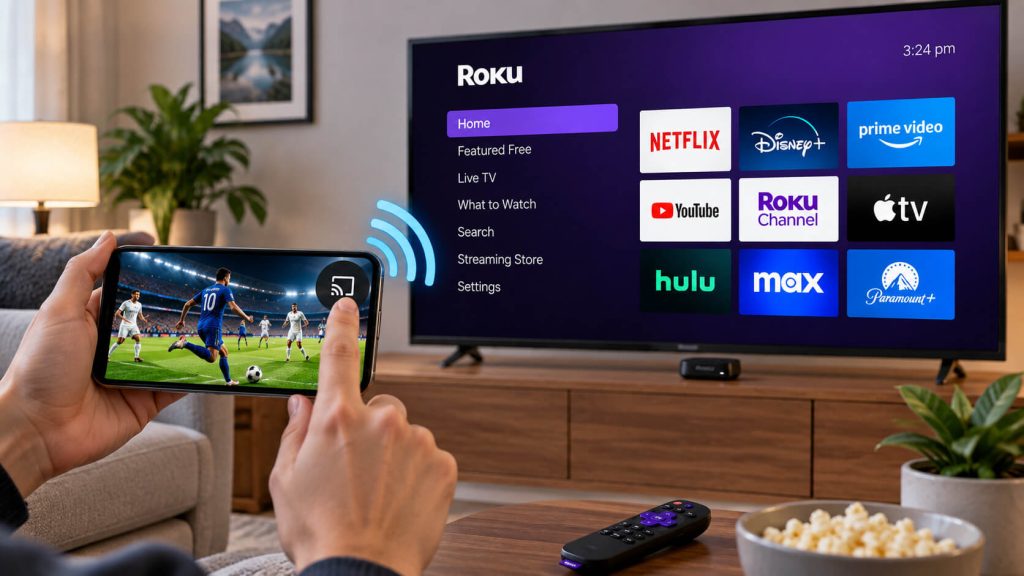
This method uses your phone as the source: follow our Android guide or our iOS guide to get 8Kontv running on your phone.
On your Roku remote, go to Settings → System → Screen mirroring and make sure it’s set to “Always ask” or “Allow automatically.”
On Android, swipe down the notification panel and look for “Cast” or “Smart View”; on iPhone, open Control Center and tap “Screen Mirroring.” Pick your Roku from the list, open 8Kontv on your phone, and you’ll see the content on your TV.
If you’d rather have an app installed directly on your Roku (without relying on your phone being on), you can enable developer mode and install a private channel. It’s a more technical process,
meant for people who already have some experience with Roku.
On your remote, press in order: Home x3, Up x2, Left, Right, Left, Right, Left. The “Roku Developer Mode” screen will appear; enable it and write down the IP address shown.
From a browser on your computer (connected to the same WiFi), go to http://[your-roku-ip], log in with the developer mode credentials, and upload the channel file we sent you via WhatsApp.
Check out our plans and pick the one that fits you best.
Our team helps you on WhatsApp within minutes, every day.