
How to Set Up 8Kontv on TiviMate – Xtream Codes Playlist
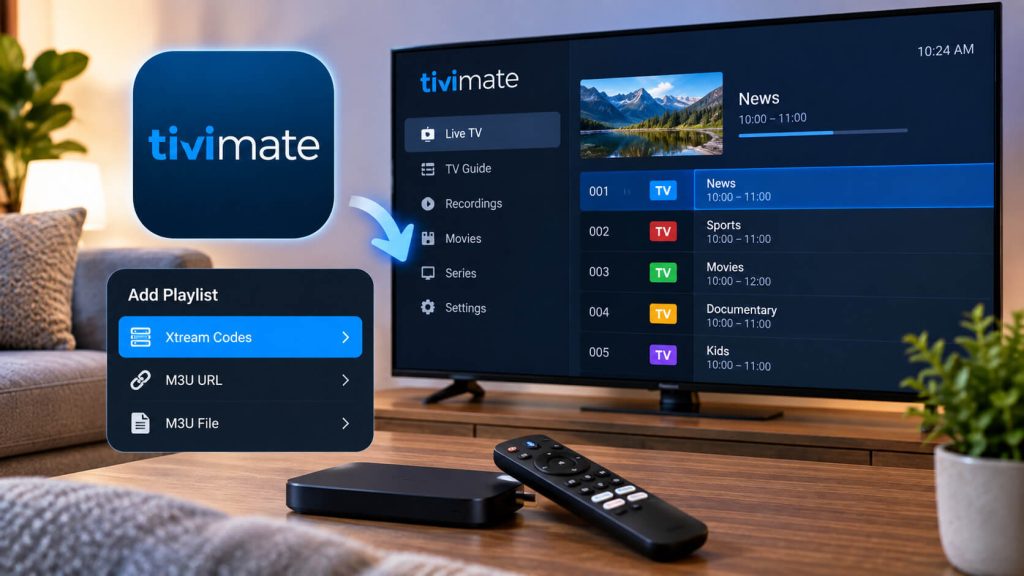
Open TiviMate and add a playlist
If it's your first time using TiviMate, the app will automatically ask you to add a list. If you were already using it with another service, go to Settings → Playback Sources → Add Playlist.
Select Xtream Codes
When asked for the list type, choose the "Xtream Codes" option (not "M3U URL"). This lets TiviMate automatically load 8Kontv's channels, categories, and program guide.
Enter your account details
Fill in a name (whatever you prefer, e.g. "8Kontv"), username, password, and the server URL we gave you when you signed up. Tap "Continue."
Done! Enjoy TiviMate's interface
Once it finishes loading, you'll see your channels organized by category with a cable-style program guide. You can customize your favorites and channel order from the edit menu.
Got TiviMate set up already?
Check out our plans and pick the one that fits you best.
Still have questions about the setup?
Our team helps you on WhatsApp within minutes, every day.