
Unlike Android, iOS doesn’t allow installing apps outside the App Store. That’s why, to watch 8Kontv on your iPhone, iPad, or Apple TV, we use an official IPTV player from the App Store and load your account details into it. It takes about 5 minutes.
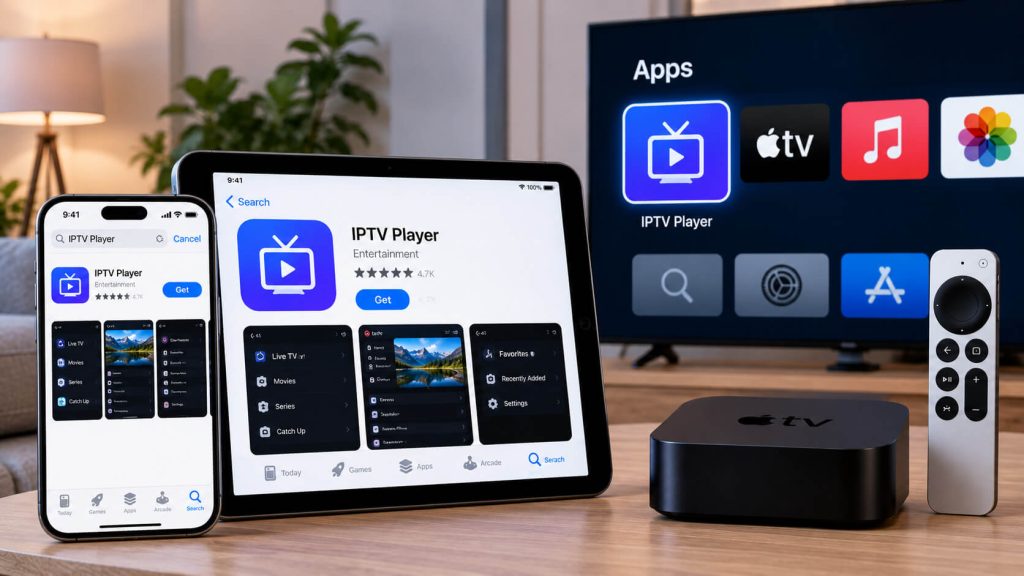
Open the App Store on your iPhone, iPad, or Apple TV and search for "IPTV Smarters Player" or "GSE Smart IPTV." Either one works well with 8Kontv; we recommend IPTV Smarters Player for its simpler interface.
The first time you open the app, you'll see a few options for adding your service. Select "Login with Xtream Codes API."
Fill in the fields with the information we gave you when you signed up: a name (anything you like), username, password, and the server URL. All of these details were sent to you via WhatsApp or email when you activated your plan.
Tip: copy and paste the details instead of typing them; an extra space is usually the cause of “service won’t load.”
Tap "Add User" and wait for the app to load your channel list and program guide. That's it: you can now browse your content on your iPhone, iPad, or Apple TV.
Check out our plans and pick the one that fits you best.
Our team helps you on WhatsApp within minutes, every day.