
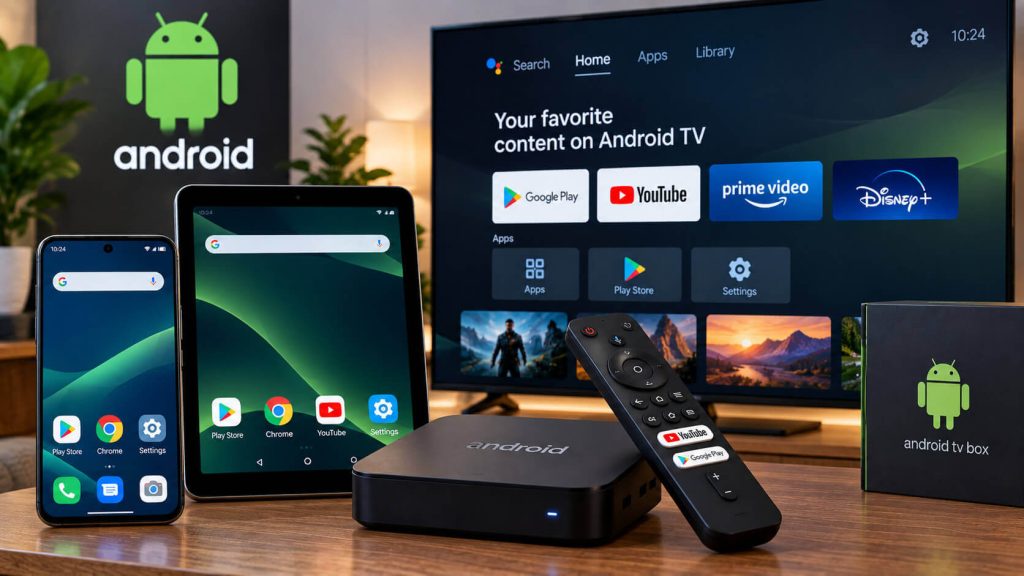
Android is the most flexible system for watching 8Kontv: the same installer works on your phone, tablet, generic TV box, or an Android TV set. Follow these steps and you’ll be watching your channels in under 5 minutes.
Go to Settings → Security (or “Apps & notifications” depending on your model) and turn on “Install unknown apps” for the browser or file manager you’ll be using. This step is normal: it just means Android trusts the source you’re downloading 8Kontv from.
On a phone or tablet, open your browser and go to the download link we sent you when you signed up. On a TV Box or Android TV, we recommend using the Downloader app (available on the Play Store) to type that same link using your remote.
Open the downloaded APK file and tap “Install.” If a “blocked by Play Protect” or “app not recognized” warning shows up, that’s normal for apps that don’t come from the Play Store; select “Install anyway.”
Tip: if your device is low on storage, delete old APK files before installing to avoid errors.
Open 8Kontv, enter your username and password, and wait for the channel list to load. That’s it: you can now watch your content on your phone, TV box, or Android TV.
Check out our plans and pick the one that fits you best.
Our team helps you on WhatsApp within minutes, every day.